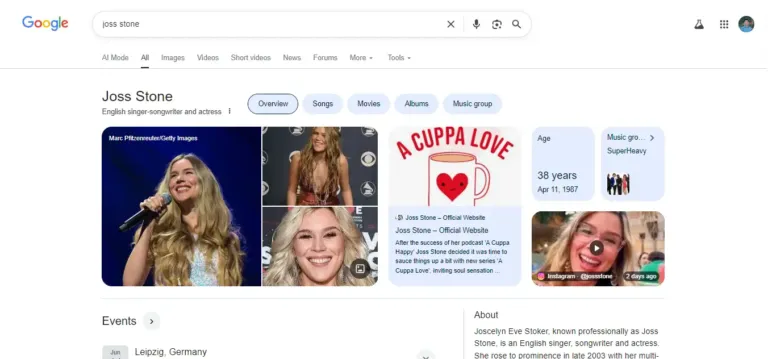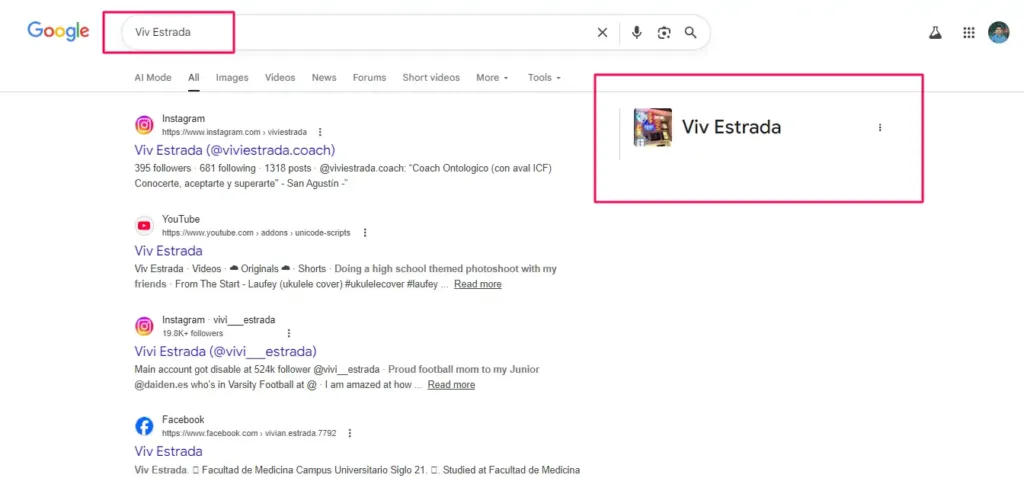
You’ve done the hard work. You’ve optimized your website, you’ve seeded your data into authoritative databases, and finally it happened. You search your name, and there it is: your very own Google Knowledge Panel.
But then, you look closer.
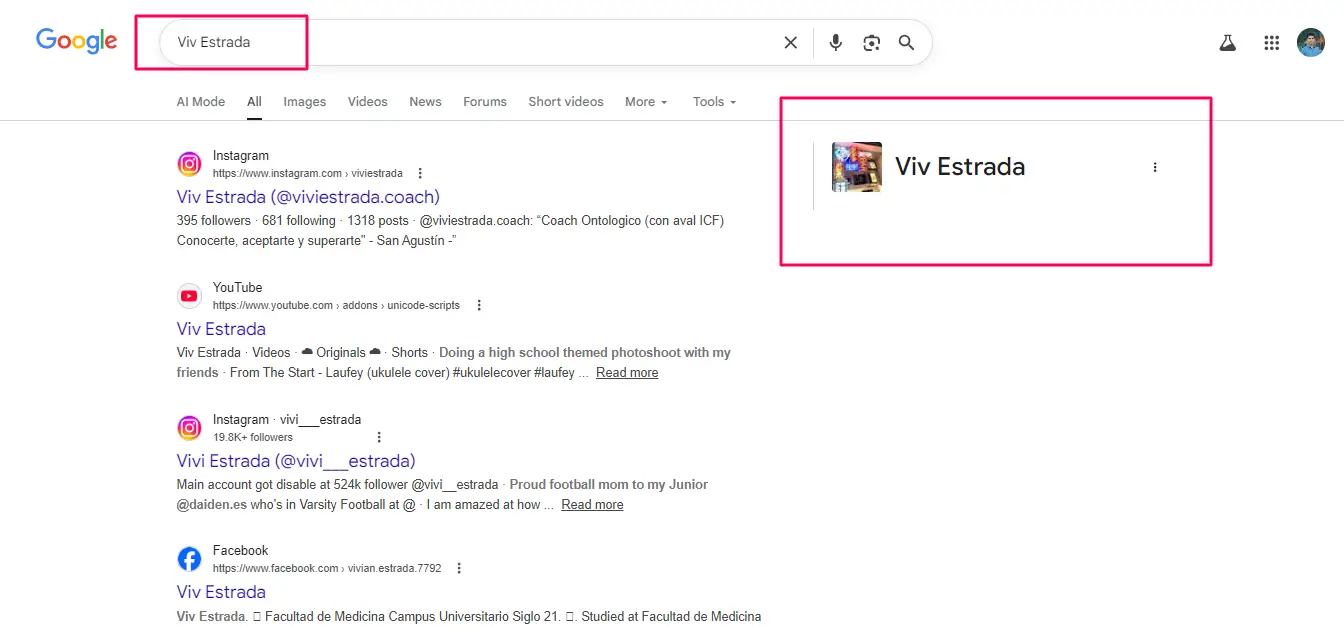
Maybe the photo is a low-quality snapshot from a 2018 conference. Maybe it says you were born in a city you’ve never visited. Or perhaps it lists you as the “CEO of a company” you left three years ago.
Nothing is more frustrating than having the “stamp of authority” display the wrong information. As an SEO specialist working in the industry since 2019, I have seen clients go from elation to total frustration in seconds because of a single typo in their Knowledge Graph entry.
I’m Anup Sarker, and in this eighth installment of our series, I’m going to show you how to fix these errors. We will move beyond the basics of “suggesting an edit” and dive into the technical strategy of Entity Maintenance.
1. Why Does Google Get It Wrong?
Before we fix the error, we have to understand the cause. Google is not “typing” your biography. As we discussed in Post #3, the Knowledge Graph is a high-tech librarian that reads billions of web pages.
Errors usually happen for three reasons:
- Conflicting Data: You have one birthdate on LinkedIn and another on an old news article. Google gets confused and picks the one with the higher “trust score” (which isn’t always the right one).
- Entity Ambiguity: There is another “Anup Sarker” out there, and Google has accidentally merged our lives into one panel.
- Outdated Sources: Google is still pulling data from a “trusted” source (like a Wikipedia entry or a press release) that hasn’t been updated in years.
Understanding this is key: You aren’t just fighting a typo; you are fighting a data conflict.
2. The Prerequisite: You Must Be Verified
I cannot stress this enough, if you haven’t followed the steps in Post #6 to claim and verify your panel, your ability to fix errors is extremely limited.
While any member of the public can “suggest an edit,” Google gives 90% more weight to edits suggested by a verified representative. When you are verified, you aren’t just a “user”; you are a “Trusted Entity Source.”
Anup’s Rule: Never try to fix a major error (like a name or a primary profession) until you have that “Official Representative” badge. It’s the difference between asking for a change and demanding one.
3. How to Edit Your Knowledge Panel: The Step-by-Step Workflow
Once you are verified and logged into your associated Google account, follow this process:
Step 1: The “Suggest an Edit” Entry Point
Search for your name to trigger the panel. At the top of the panel, you will see a button that says “Suggest an edit” (sometimes located next to the share icon). Click it.
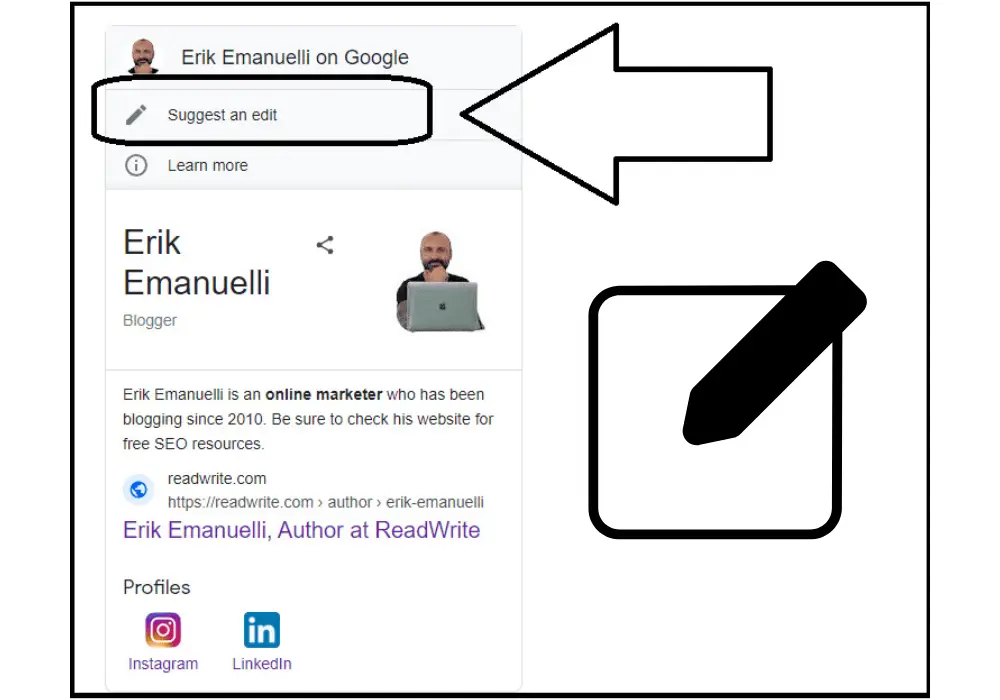
Step 2: Selecting the Incorrect Element
Google will now allow you to click on specific parts of the panel—the title, the bio, the social links, or the images. Click the blue pencil icon next to the item that is wrong.
Step 3: Providing the Correct Information
A dialogue box will appear. Here, you must provide the new, accurate information. But here is where most people fail: The “Reasoning” Box. 🏴
Step 4: The “Proof” Phase (Crucial)
Google will ask you for a reason for the change. Do not just say, “This is wrong.” You must provide a URL to a publicly accessible, authoritative source that proves you are right.
- Good Proof: A link to your official website’s About page or an official government database.
- Bad Proof: A link to your own Facebook post or a personal blog.
4. Common Errors and How to Solve Them
In my years of consulting at AnupSarker.com, I’ve noticed that most errors fall into four categories. Here is my “Anup-approved” fix for each:
Error A: The “Bad Photo” Syndrome
Google often pulls the most “identifiable” photo, which is rarely the most “flattering” one.
- The Fix: Upload a high-resolution headshot to your Entity Home (your website). Use the
primaryImageOfPageschema property. Then, in the “Suggest Edit” box, provide the link to that specific image. - Note: Google prefers square aspect ratios for profile photos.
Error B: The Wrong Profession or Subtitle
If you are an “SEO Specialist” but Google calls you a “Software Engineer,” it’s likely because of your LinkedIn headline or old job board listings.
- The Fix: You must change your title on all “Tier 1” social platforms (LinkedIn, X, Facebook) simultaneously. Once the data is consistent, suggest the edit and link to your LinkedIn profile as proof.
Error C: Incorrect Social Media Links
Sometimes Google displays an old X (Twitter) handle or a dead YouTube channel.
- The Fix: This is usually the easiest fix. Provide the direct URL to your verified social media profile. Google usually updates these within 24–48 hours for verified owners.
Error D: The “Ghost” Biography
If your biography is pulled from Wikipedia but the Wikipedia page has been deleted or changed, the panel might show a “snippet” that makes no sense.
- The Fix: This requires a “Data Override.” You need to suggest a new biography and point Google to your website’s About page.
5. What Counts as “Authority” Proof?
Google’s editors (or the AI review system) are skeptical by nature. They need “Hard Data.” If you want your edits to be accepted, use these sources as your proof:
- Your Official Website: But only if it has proper Schema Markup.
- Press Coverage: An article from a recognized news outlet (Forbes, TechCrunch, local news).
- Official Databases: IMDb (for film/TV), Crunchbase (for business), or MusicBrainz (for artists).
- Government Records: For birth dates or legal names.
6. The “Stubborn” Error: What to Do When Google Rejects Your Edit
Sometimes, you submit an edit with proof, and Google sends you an email saying, “We could not verify your suggestion.” Don’t panic. This usually happens because there is a “Loud” source of incorrect information somewhere else.
The “Clean the Web” Strategy:
When Google rejects an edit, I go on a “search and destroy” mission for my clients:
- I search for the incorrect fact in quotes (e.g., “Anup Sarker born in 1985”).
- I find every obscure directory, old blog, or social profile that contains that wrong date.
- I contact those websites to fix the error or delete the profile.
- Why? Because as long as that “Loud” incorrect source exists, Google’s algorithm will keep trusting it over your “Quiet” correct source.
7. Proactive Maintenance: Avoiding Future Errors
Fixing an error is reactive. The goal of a true SEO strategist is to be proactive.
Maintain Your “Entity Home”
Your website (anupsarker.com in my case) is the “Entity Home.” It should be the most updated place on the internet regarding your life. If you win an award, update your site first. If you change your company, update your site first.
Audit Your Structured Data
Every six months, I check my JSON-LD Schema. I make sure that the sameAs attributes (which link all my social profiles) are still active. If a link breaks, the “bridge” between Google and your data breaks, and that’s when errors crawl in.
8. Conclusion: Your Panel is a Living Document
A Google Knowledge Panel is not a “set it and forget it” asset. It is a living, breathing reflection of your digital identity. In an era where information moves at the speed of light, errors are inevitable.
But as we’ve discussed, you aren’t helpless. By being verified, providing authoritative proof, and maintaining a consistent digital footprint, you can ensure that your Knowledge Panel remains a source of pride and authority, rather than a source of frustration.
Ownership of your brand means ownership of your data. Don’t let a stray algorithm define who you are.
Is Your Knowledge Panel Showing Wrong Information?
Fixing Knowledge Graph errors can feel like talking to a brick wall. If you’ve tried to suggest edits and keep getting rejected, or if your panel is a mess of conflicting information, I can help.
I specialize in Entity Cleanup. I know exactly what kind of proof Google requires and how to structure your online data to “force” the algorithm to recognize the truth. Let’s get your digital identity back on track.